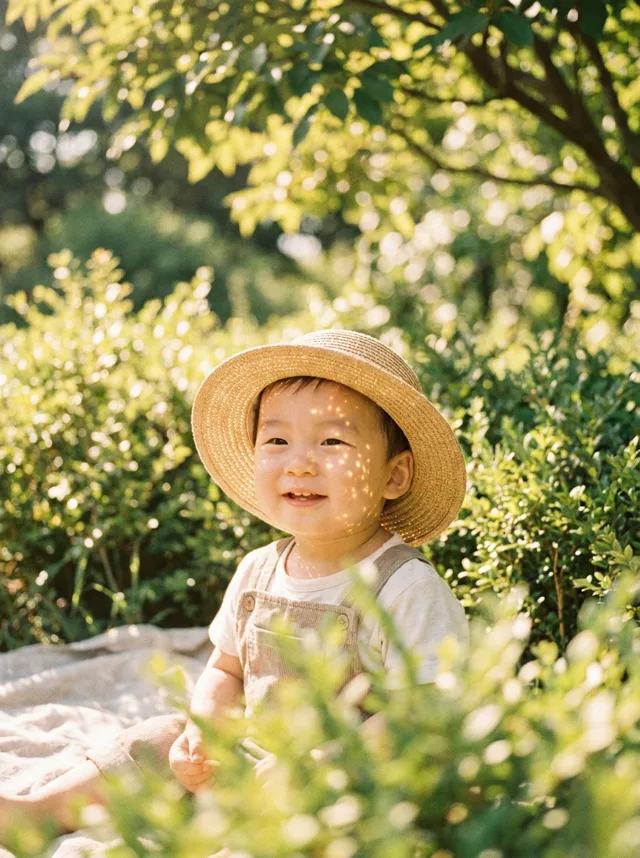
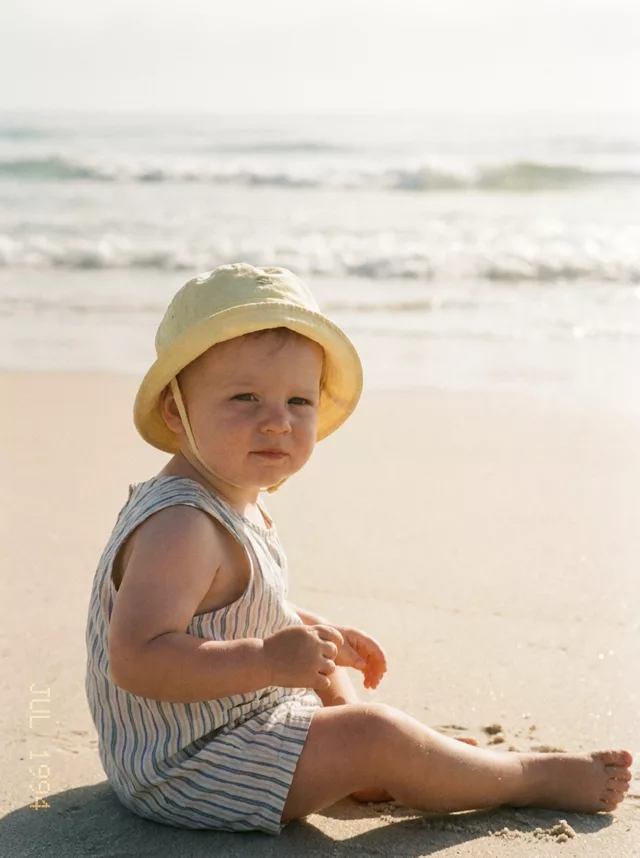
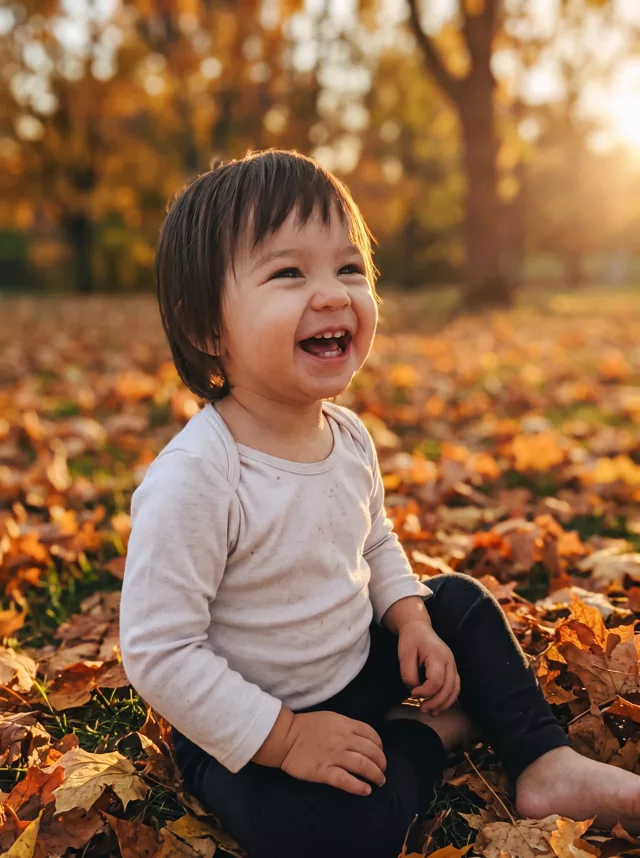
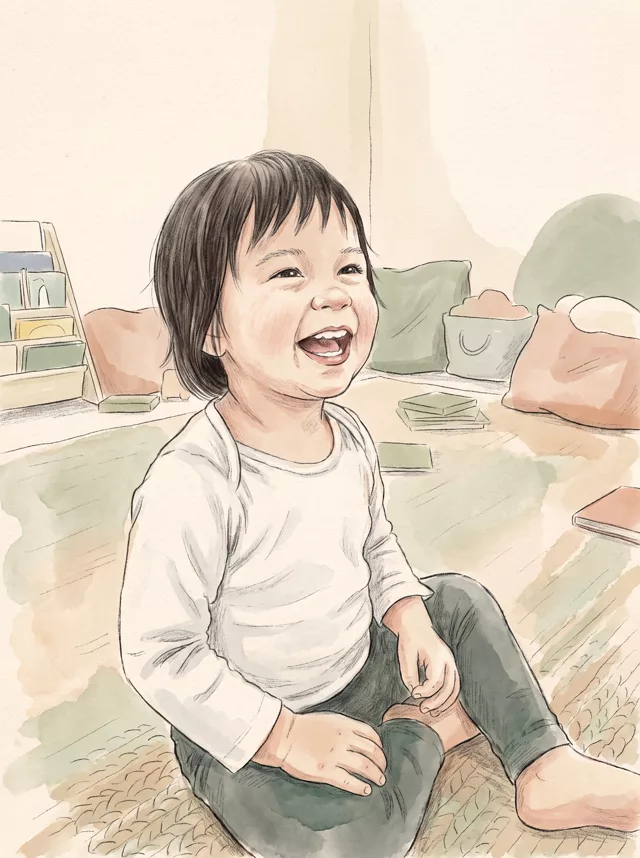
Step 1 · Photo → Aesthetic
Studio Portrait for Kids
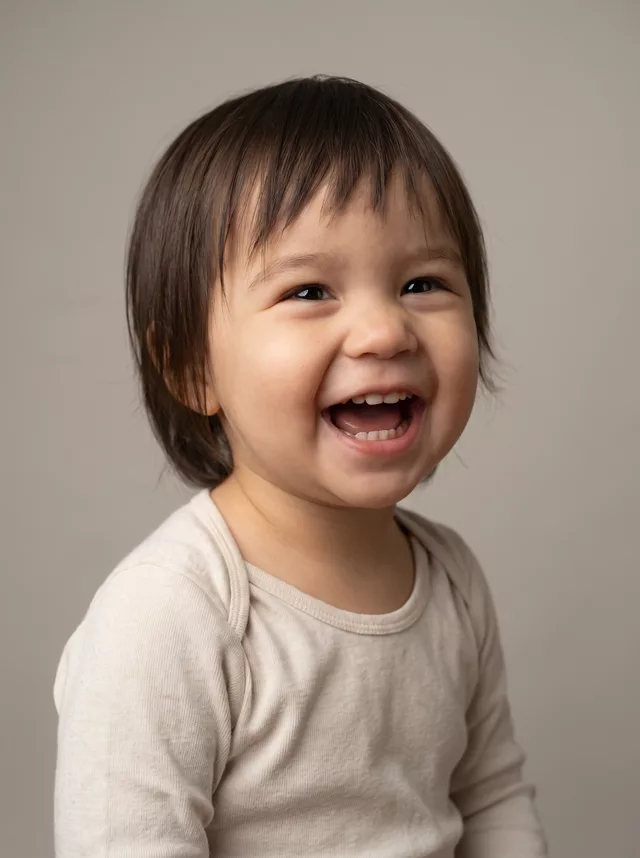
A clean studio portrait of your child from an everyday living-room photo — no studio, no sitting fee.
The prompt
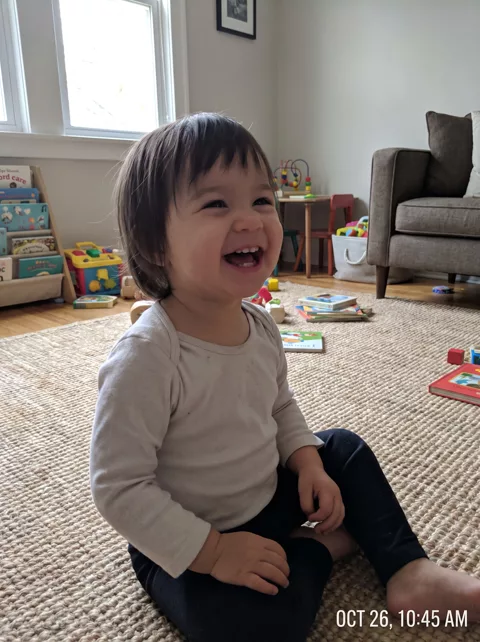
Transform this casual snapshot of my child into a professional studio portrait. Seamless soft grey-beige backdrop, one large softbox from the front left with a gentle fill on the other side, clean catchlights in the eyes, natural skin texture retained. Keep my child’s exact face, expression and skin tone unchanged — do not smooth or retouch their skin. Dress them in a simple plain cream knit top. Sharp focus on the eyes, shallow depth of field, colour-accurate professional photography. Remove any timestamp or date text.
How to use it
Only edit photos you have permission to use, including permission from the people pictured.
- Choose a photo with an unobstructed face and a simple hand position. Use the source expression as your reference.
- Attach the source in an AI image editor compatible with this prompt (Gemini · ChatGPT (any AI image editor)), then paste the prompt. Adjust the scene or illustration style while retaining the instructions about your child. Keep any skin-texture or timestamp instructions you need.
- Check the eyes, skin tone, hands, and expression against the source. For an illustration, assess recognizability without expecting photographic detail.
- Save the accepted image separately from the original and label it as AI-edited when sharing. Use the saved edit as the source if you choose to animate it next.
What happened when we tested it
The most reliable of our child prompts in testing, and the one that changes the least about the face. It does crop in tighter than the photo you feed it, so if you want the whole body add “full body in frame”. “Do not smooth or retouch their skin” is load-bearing: without it the result goes waxy, which reads as fake far more than the background ever does.